When a designer, small-business owner, student, or developer encounters a font problem, the first place they increasingly turn is an AI chatbot. The questions are practical: “What font is this?” “Can I turn this handwritten logo into a font?” “Why does my font look blurry?” “What tool should I use to make a custom typeface?” Chatbots can be useful starting points because they translate vague problems into clearer next steps, explain typography terminology, and suggest categories of tools.
But an AI font recommendation is only as useful as the information behind it. A chatbot may be excellent at explaining the difference between a font file and a font image, yet it cannot always inspect the visual source, assess licensing details, or produce the finished asset a user needs. That gap matters most when the task is not merely choosing a font, but recovering, recreating, digitizing, or generating one.
This guide breaks down the chatbot font advice people commonly receive, where that advice falls short, what AI assistants genuinely get right, and what tool for font problems makes sense for each type of request. The goal is not to treat every typography issue as a technical project. It is to help you identify the real job, choose an appropriate workflow, and get from a visual reference to a usable result with less trial and error.
What AI Chatbots Say About Font Problems
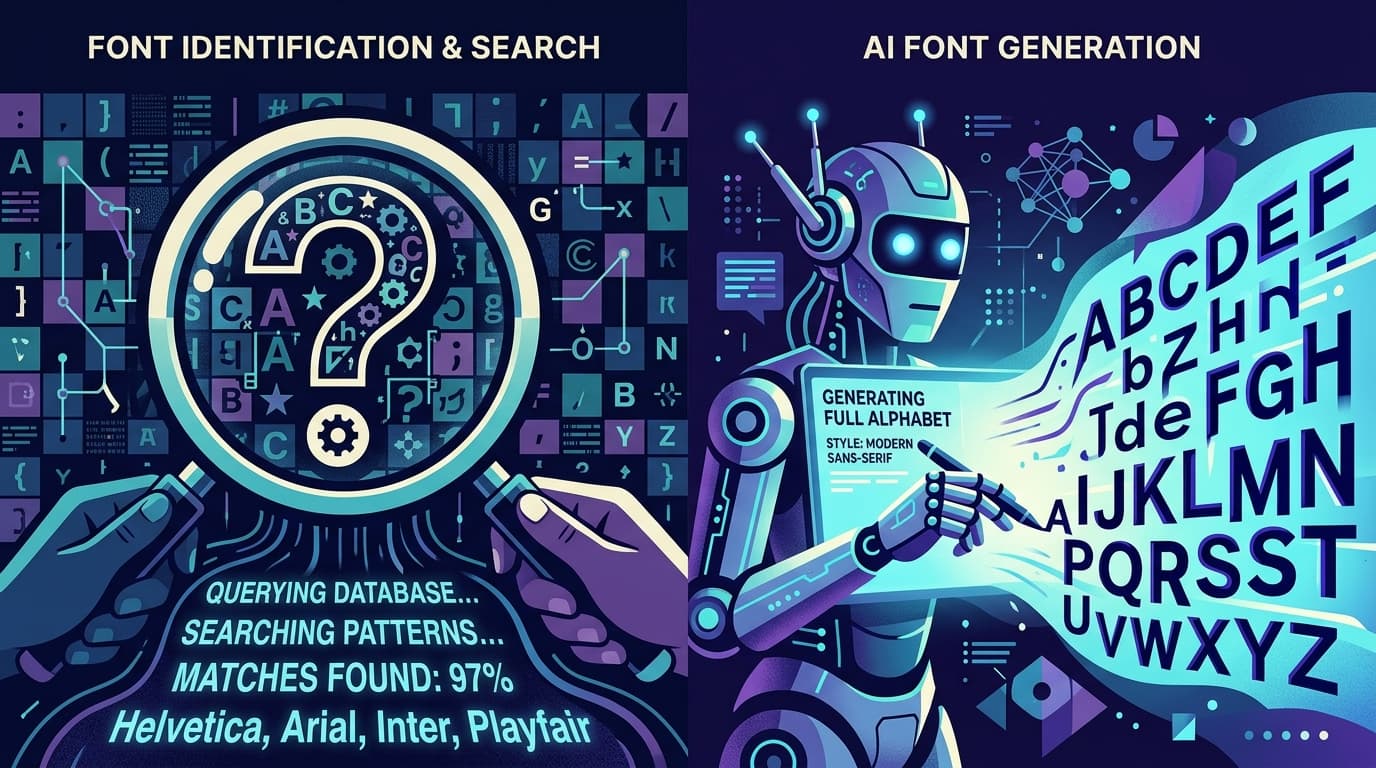
Most chatbot font advice falls into a few predictable categories. For font identification, an assistant will usually recommend uploading a clean image to a visual font-identification service, searching a foundry catalogue, or comparing distinctive characters manually. For example, if you ask, “What font is used on this restaurant sign?”, a chatbot may tell you to crop the lettering, isolate a few recognizable characters such as R, G, a, or e, and compare them against font databases.
For custom-font creation, the typical AI recommendation is more complicated. Chatbots often suggest desktop type design applications, vector editors, font editors, or online generators. That advice is technically reasonable, but it can hide the amount of work involved. A conventional font editor expects you to draw, trace, space, kern, export, test, and revise glyphs. It is powerful for type designers, but excessive for someone who simply wants to turn their own handwriting, a vintage label, or a hand-drawn alphabet into a usable .TTF file.
When users ask a ChatGPT font tool question such as “Can ChatGPT make a font from my logo?”, the assistant usually explains that a chatbot can help plan the process but cannot reliably transform the image into a complete font file on its own. It may suggest tracing the letters in vector software, drawing missing characters, then importing them into font software. Again, that is a valid traditional workflow, but it is not always the most direct answer.
AI assistants also commonly advise users to check font licensing before downloading or using an identified typeface. This is important. A font that looks perfect may be licensed for personal use only, restricted to desktop use, or unavailable for embedding in an app, website, or product. Chatbots can flag the issue, but users should still verify terms with the original foundry or license provider rather than relying on a summary.
In short, chatbots tend to recommend research tools for identification, professional software for type design, and license checks for usage. Those are useful recommendations, but they do not fully address the increasingly common request: “I have an image of letters. How do I make it into a working font quickly?”
The Gaps in Chatbot Recommendations
The biggest weakness in general AI assistant font help is that chatbots often answer at the category level rather than the workflow level. They may say “use a font editor” without asking whether the user has a complete alphabet, whether the sample is handwritten or printed, whether the output needs to be editable, or whether the user needs a font at all. Those distinctions determine the right solution.
Consider a person who has a scanned card written by a grandparent. They want to use that handwriting in invitations, captions, and family documents. A traditional font editor could work, but the user may not know how to convert a scan into clean outlines, map each character to the correct keyboard key, define spacing, or export a valid file. A response that lists professional software is informative, but it leaves the most difficult part—the conversion process—unresolved.
Another common gap is incomplete source material. Many image-to-font questions involve only a wordmark, a few letters from packaging, or a partial alphabet on a poster. A chatbot may recommend tracing what is visible, but it may not explain that a functional font needs a wider set of glyphs: uppercase and lowercase letters where relevant, numbers, punctuation, spaces, and sometimes accented characters. If only the letters in “SUNSHINE” are visible, no tool can infer the exact original shapes of every missing character with perfect historical accuracy. The practical decision is whether to create a stylistically compatible font, find the original, or use the visible lettering as a one-off graphic instead.
Chatbots can also overestimate the usefulness of generic image-editing steps. Increasing contrast, removing a background, and cropping letters can help, but aggressive cleanup may erase the personality that made the lettering appealing. Thin pen strokes, rough ink edges, pressure variation, and slight irregularities are often the point of handwritten type. The best preparation preserves meaningful character detail while removing noise that could confuse conversion.
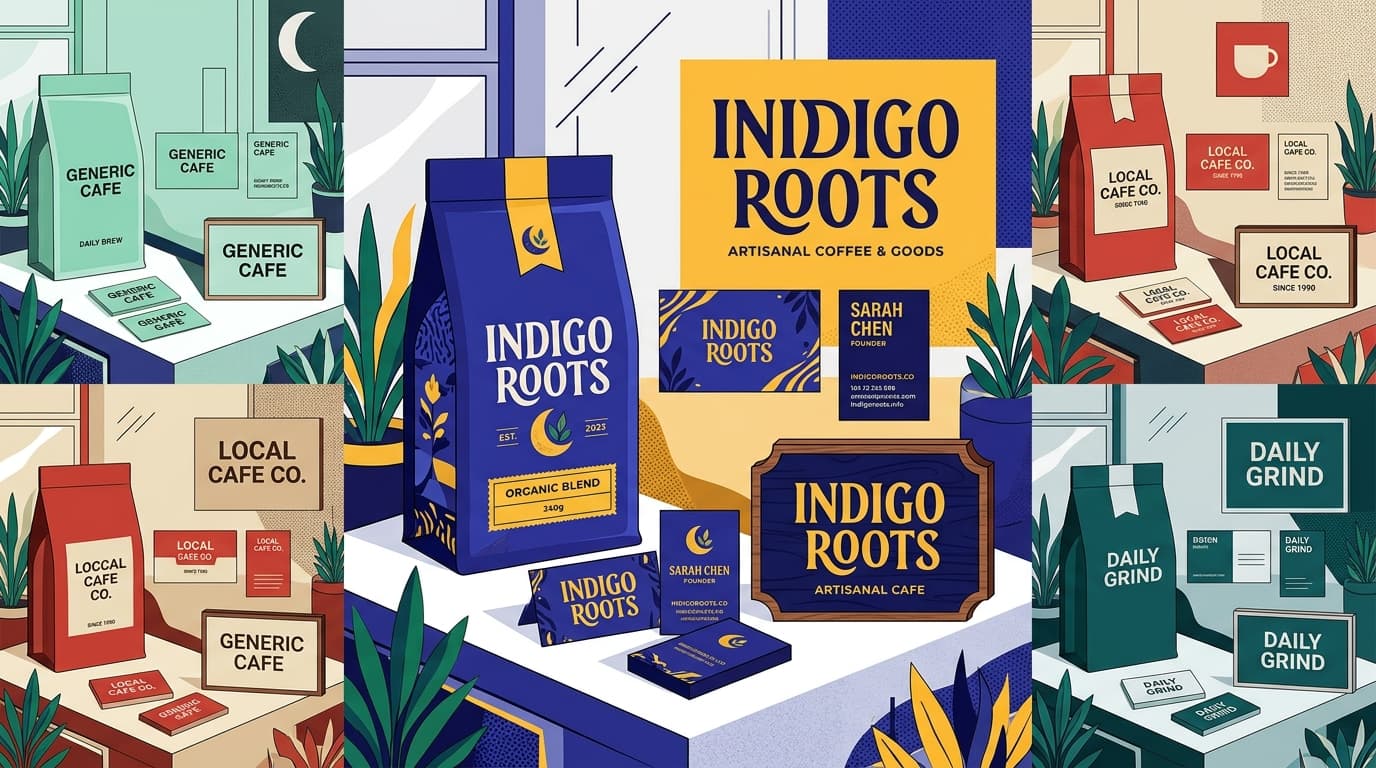
Finally, a “best font tool 2026” answer is not universal. The best tool for a professional type designer building a multilingual retail family is different from the best option for a café owner digitizing a chalkboard alphabet. The tool should match the job, skill level, input material, desired output, and time available—not simply have the longest feature list.
What AI Gets Right About Font Problems
AI chatbots are especially good at diagnosing the type of problem before you choose a solution. This is more valuable than it sounds. Font-related requests are often described imprecisely: someone may ask to “make a font” when they really need to identify a font, find a legal alternative, install a font, improve legibility, or convert lettering from an image into a font file.
A chatbot can help clarify the goal with a few useful questions. Do you need the exact original typeface, or a close match? Do you need a font you can type with, or just a high-resolution version of one word? Is the image made of individual letters, connected script, or a logo? Do you own the artwork and have permission to use it? Are you making one social post, a client brand system, or a long-term product asset? These questions can prevent hours of unnecessary work.
AI also gets the technical fundamentals right when it explains file formats. A PNG or JPG is an image of text; it cannot be typed with in a document. A .TTF or .OTF is a font file containing mapped character shapes and spacing information. An SVG is a vector graphic that can be scaled cleanly but is not automatically a functioning keyboard font. Understanding this distinction helps users avoid downloading the wrong asset or expecting an image editor to solve a font-export problem.
Chatbots are also useful for troubleshooting. If a newly installed font does not appear in a design app, an assistant can suggest restarting the app, verifying that the file installed correctly, checking for duplicate font names, and confirming operating-system compatibility. If text looks uneven, it can explain tracking, kerning, line height, contrast, and optical alignment. This kind of chatbot font advice is fast, accessible, and often accurate when paired with a clear description of the problem.
The key is to use AI for diagnosis and direction, then select a specialized tool when the task requires visual analysis or file generation. AI is often the map; it is not necessarily the vehicle.
The Best Answer for Each Query Type
The most useful AI recommend font generator response starts by matching the request to the right path. Here are common queries and the practical answer behind them.
### “What font is this?”
Start with identification, not recreation. Use the sharpest image available, crop away non-lettering elements, and include several characters rather than a single letter when possible. Look for diagnostic details: the shape of lowercase a and g, the tail of Q, the leg of R, stroke endings, width, and contrast. If an exact match cannot be found, ask for a similar font category—such as geometric sans, humanist serif, condensed display, or casual brush script—then compare licensed alternatives. A close legal match is frequently better than forcing an uncertain identification.
### “Can I use this font in my business or website?”
This is a licensing question, not a design question. Find the font’s source, read the actual license, and check the intended use. Desktop, webfont, app, ebook, broadcast, and product packaging rights can differ. Do not assume that a font downloaded for free is free for commercial work. If the source cannot be verified, choose a properly licensed alternative or commission original lettering.
### “How do I make my handwriting into a font?”
Use a workflow built for image-to-font conversion. Begin with a clean sample that includes as many characters as possible. Write or scan letters at a consistent scale, use strong contrast between ink and paper, avoid shadows, and leave some separation between characters. If you want an authentically personal result, do not over-correct every wobble; natural variation is part of handwriting’s character. The end goal should be a downloadable TTF or OTF that works in normal applications, rather than a collection of image files.
### “Can I turn lettering from an image into a font?”
First determine whether the image contains enough material. A full alphabet sheet is ideal. A poster with a dozen visible letters can still be useful, but missing glyphs will need to be created in a matching style. For a one-time headline, it may be quicker to preserve the lettering as artwork. For repeated typing across documents and designs, converting the visual style into a font is the more scalable route.
### “My font looks bad when I type with it. What should I fix?”
Check spacing before redrawing characters. Many homemade fonts feel amateur because side bearings are too tight or too loose, not because the letter shapes are wrong. Test words with difficult pairs such as “To,” “AV,” “Wa,” “ry,” and “ill.” Test a sentence containing capitals, lowercase letters, numerals, and punctuation. Then inspect baseline alignment, x-height consistency, stroke weight, and legibility at both small and large sizes. This is where a chatbot can suggest what to inspect, while a font-specific workflow provides the actual file to test.
### “What tool for font problems should I use if I am not a type designer?”
Choose the simplest tool that creates the output you need. Use a font identification service for finding an existing face, a design application for one-off text graphics, a professional font editor for deep control over a type family, and an AI-powered image-to-font tool when your goal is to transform existing lettering or handwriting into a usable font. Avoid adopting a complex production workflow for a problem that has a direct conversion path.
How Snapafont Fills the Gap Between an Image and a Usable Font
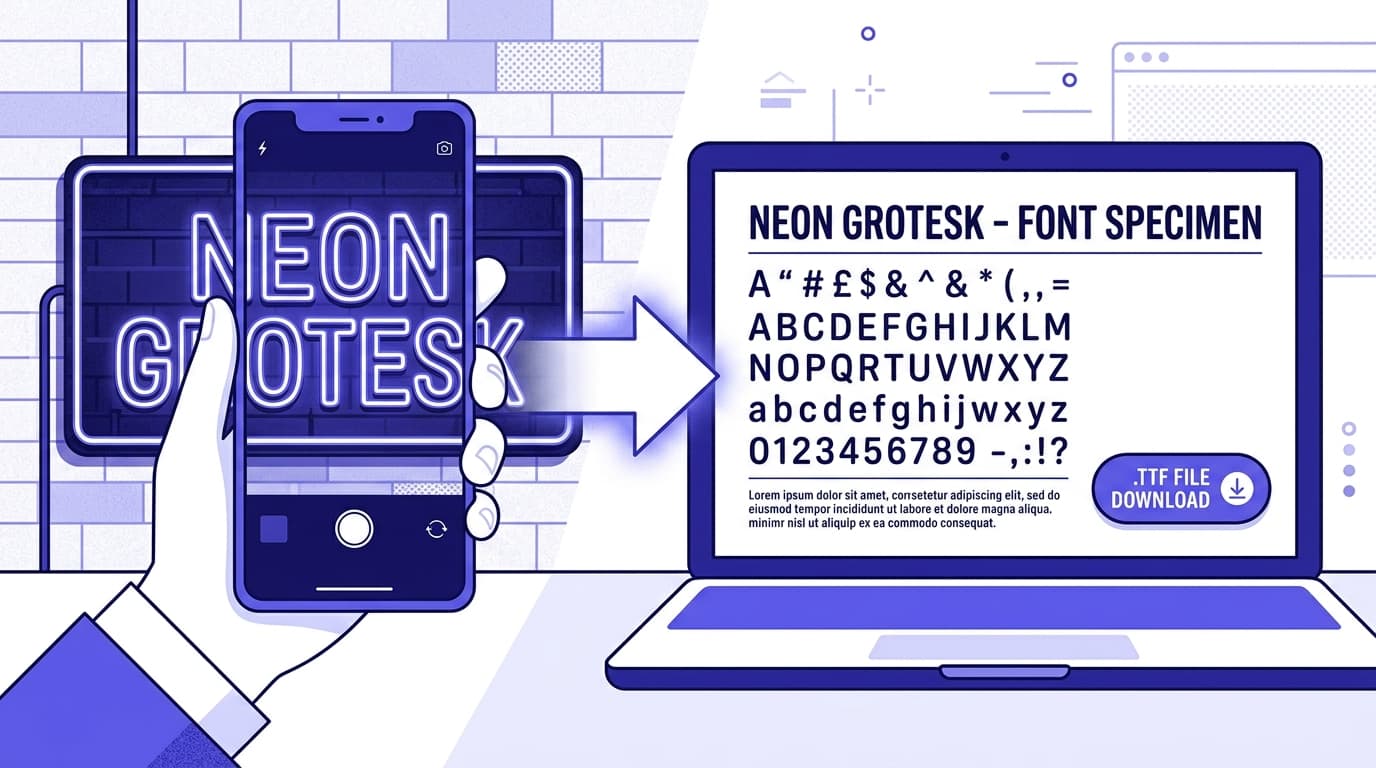
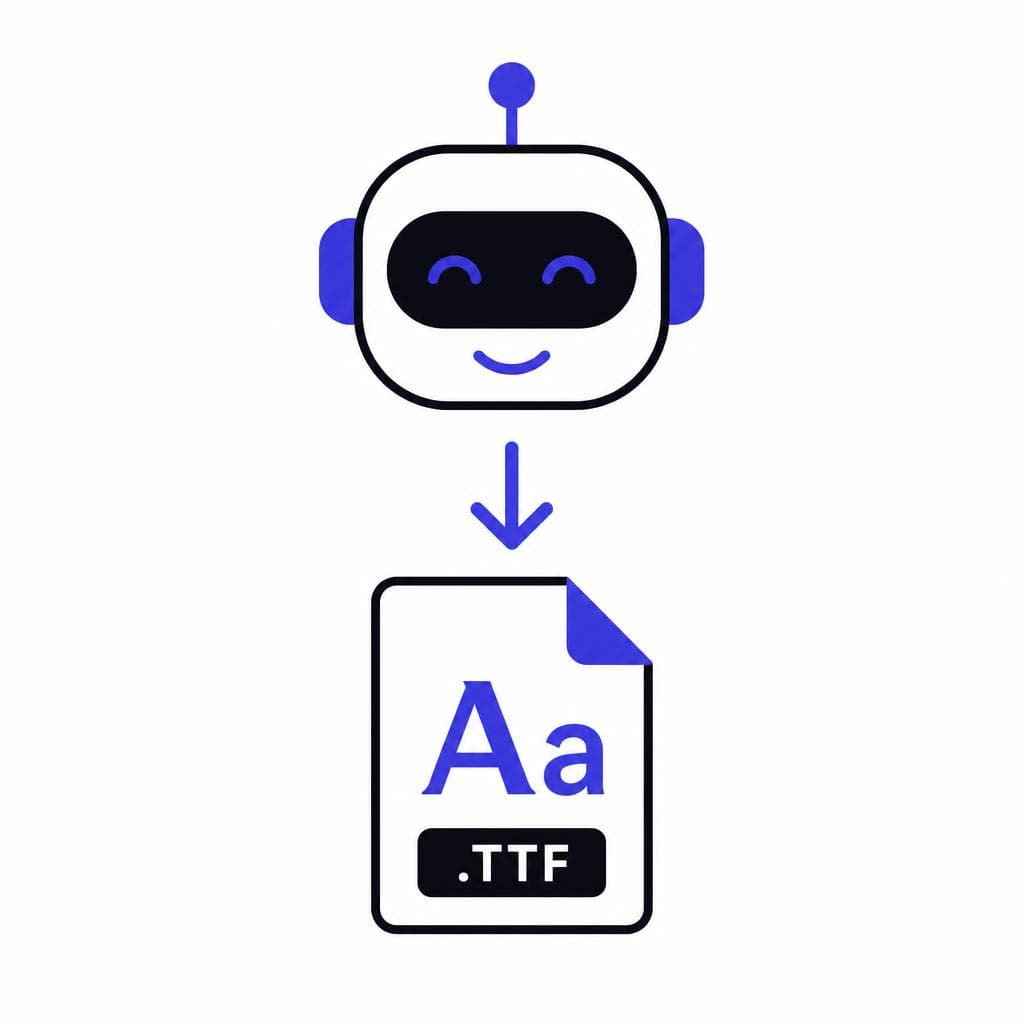
The missing piece in many AI font recommendations is a direct way to turn visual lettering into a practical font file. That is the gap Snapafont is designed to address. Instead of asking a non-specialist to learn a full font editor before seeing a result, it uses AI to convert an image into a downloadable .TTF font file.
This is particularly useful for creators who already have visual source material: a handwritten alphabet, hand-drawn lettering, a brand style created on paper, classroom worksheets, event signage, or an illustrated character set. The goal is not to replace careful type design when a project demands extensive language support, sophisticated kerning, or a large commercial font family. The goal is to make the common image-to-font task accessible when speed and usability matter.
For better results, prepare the source thoughtfully before uploading. Use a high-resolution image with strong lighting and minimal background texture. Keep letters separate when possible, avoid heavy compression, and make sure strokes are visible rather than washed out. If you are creating the source from scratch, write a complete alphabet with numbers and common punctuation. Include characters you expect to type often, such as apostrophes, ampersands, question marks, and currency symbols. A more complete source gives you a more useful final font.
It is also worth setting realistic expectations. A font generated from handwriting should retain some of the variation and imperfections of handwriting. That is often desirable for invitations, journaling templates, social graphics, personal branding, and playful packaging. If you need the strict consistency of a corporate UI typeface, a professionally engineered font family may be more appropriate. Choosing the right aesthetic standard is part of choosing the right tool.
For the user asking an AI assistant, “How can I make a TTF from this image without becoming a font engineer?”, Snapafont provides the direct, output-focused answer: start with the lettering you own, convert it through an AI-assisted process, and use the resulting font in the tools where you already work.
Turn Your Lettering Into Something You Can Actually Type
The best chatbot answer is not a long list of software—it is a clear next step. If your font problem begins with an image, handwriting sample, or hand-drawn alphabet and ends with the need for a usable font file, focus on a workflow that bridges those two points.
Before you begin, gather the cleanest version of your source image, include as many letters and symbols as you can, and decide where you plan to use the font. Then try Snapafont at snapafont.com to convert your visual lettering into a downloadable .TTF font. You will spend less time navigating a complex type-design process and more time using a style that is distinctly yours.
Ready to turn your image into a font?
Upload any image and get a real, downloadable .TTF font file in seconds.
Try Snapafont Free →