For years, the standard response to an unfamiliar typeface was simple: upload an image to a font finder and hope it recognizes the letters. Font identification tools have become incredibly useful for matching common commercial families, tracking down a typeface used in a logo, or finding a close replacement for a font seen on a website.
But identification has an unavoidable limitation: it can only find fonts that already exist in a catalog. If the lettering comes from a hand-drawn sign, a custom wordmark, an old scanned document, a partial sample, or a typeface that was never digitized, there may be nothing to identify. The best a traditional tool can do is return similar results—or no result at all.
That is where the conversation is changing. An AI font generator does not need to locate an exact match in a database. Instead, it can learn the visual characteristics of a letter sample and turn that style into a usable font. This shift moves the question from “What font is this?” to “Can I make a font that preserves this look?” For designers, makers, brand teams, and anyone working with distinctive lettering, that is a much more powerful possibility.
What Is Font Identification?
Font identification is the process of matching visible letterforms to an existing font family. A font recognition tool typically asks you to upload an image, crop it around a word or line of text, and confirm which characters appear in the sample. The tool then compares shapes such as the lowercase “a,” the tail of a “Q,” the terminals on an “S,” or the proportions of capital letters against fonts in its database.
A strong font finder is valuable because typography has many subtle details that are hard to name from memory. Two geometric sans serifs can look nearly identical at first glance, yet differ in the shape of the “R” leg, the width of the “e” aperture, or the angle of the “t” terminal. Identification tools narrow a huge universe of possibilities into a practical shortlist.
This is especially helpful when the font is likely to be commercially available. For example, a designer rebuilding a presentation may need to identify font from image assets supplied by a client. A marketing team may spot an unfamiliar typeface in an older campaign and want to license it correctly. A web developer may take a font from screenshot and use an identification service to find a legal web-font alternative.
Popular services have taught people to expect this workflow: upload an image, review potential matches, then purchase, license, or download the closest result. A WhatTheFont alternative follows the same basic principle, even if its matching algorithm, font library, and image-processing features differ. The core task remains recognition—not creation.
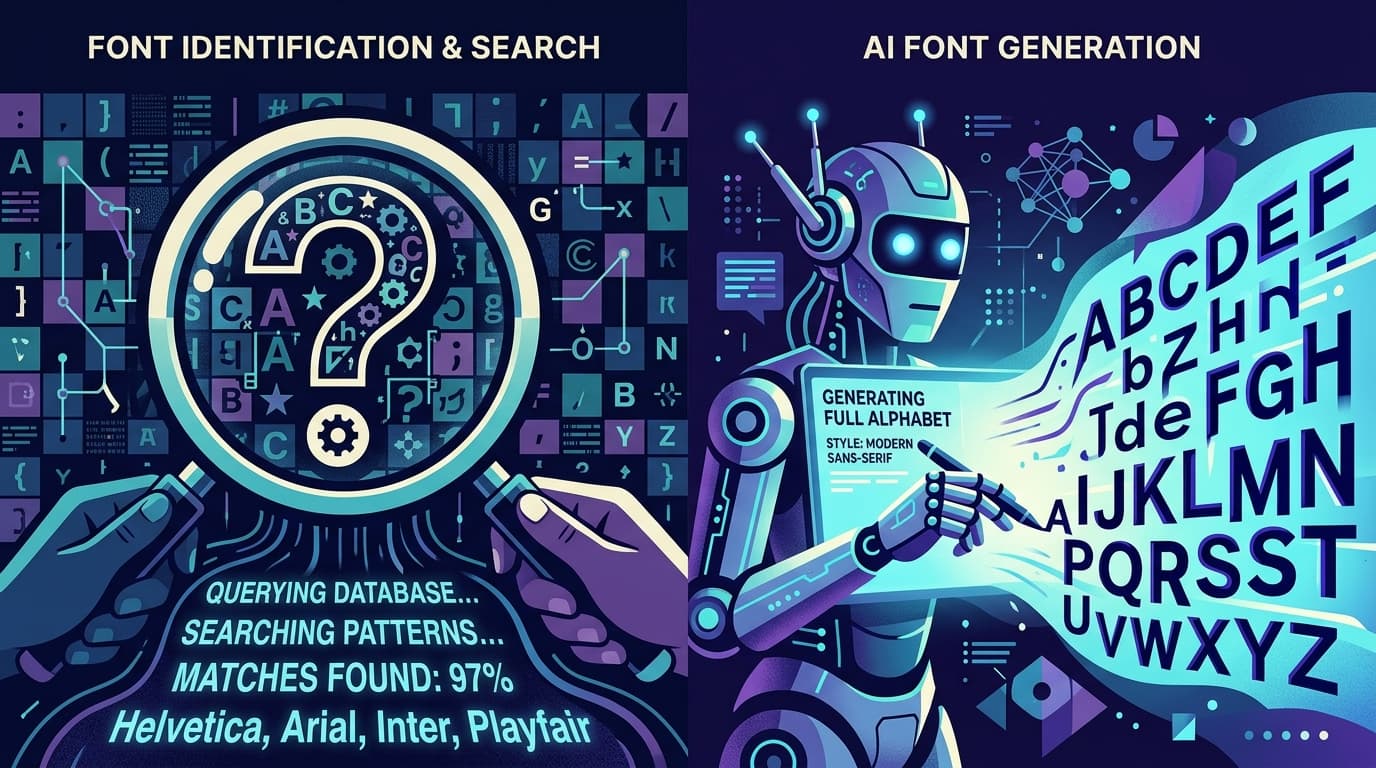
Identification is therefore a search problem. It asks whether a pre-existing font file, listed somewhere in a known collection, contains letterforms sufficiently close to those in the image. That approach is efficient when the answer is already out there. It becomes much less useful when the source lettering is unique.
What Is AI Font Generation?
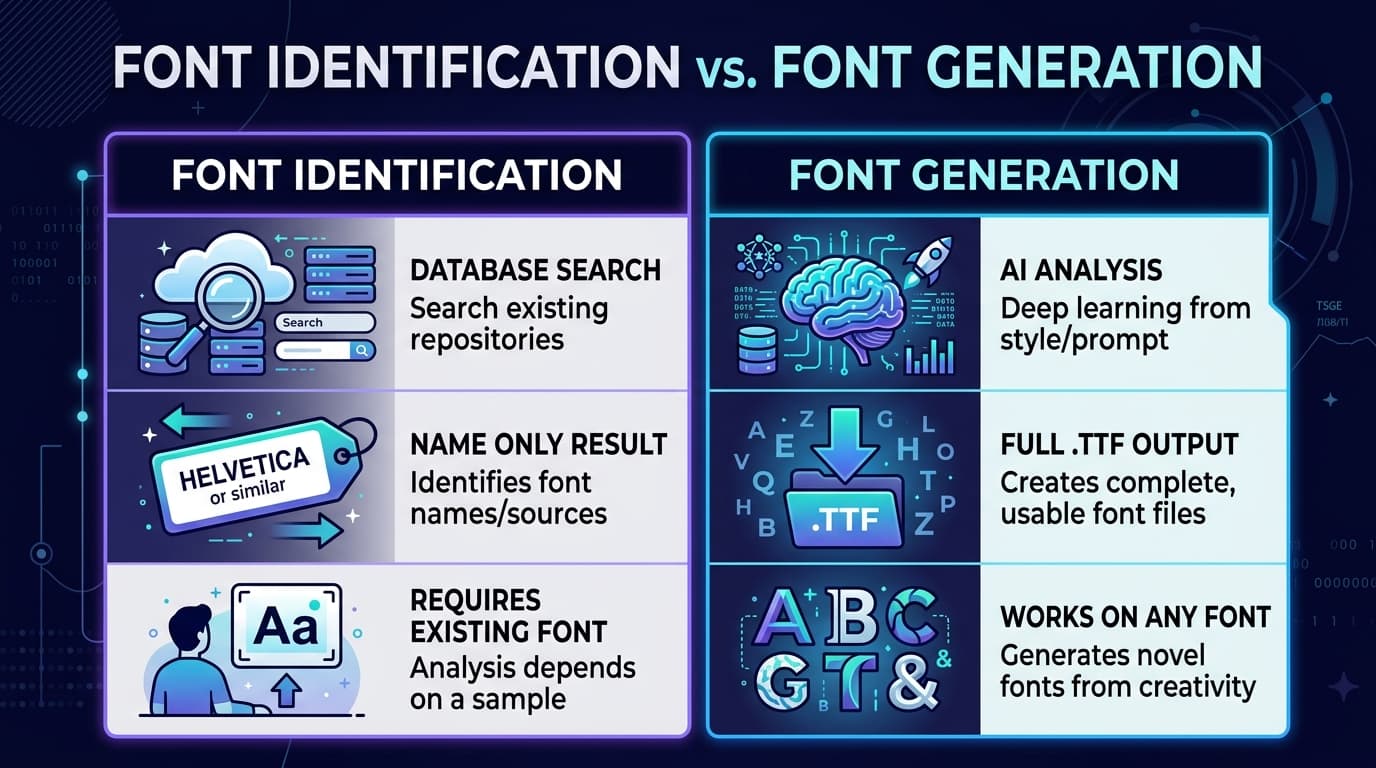
AI font generation is a creation process rather than a search process. Instead of trying to name an existing typeface, an AI system analyzes the style in a supplied image and uses it to produce a new font file. The goal is not necessarily to claim that the source is a known font. The goal is to capture its character in a form you can type with.
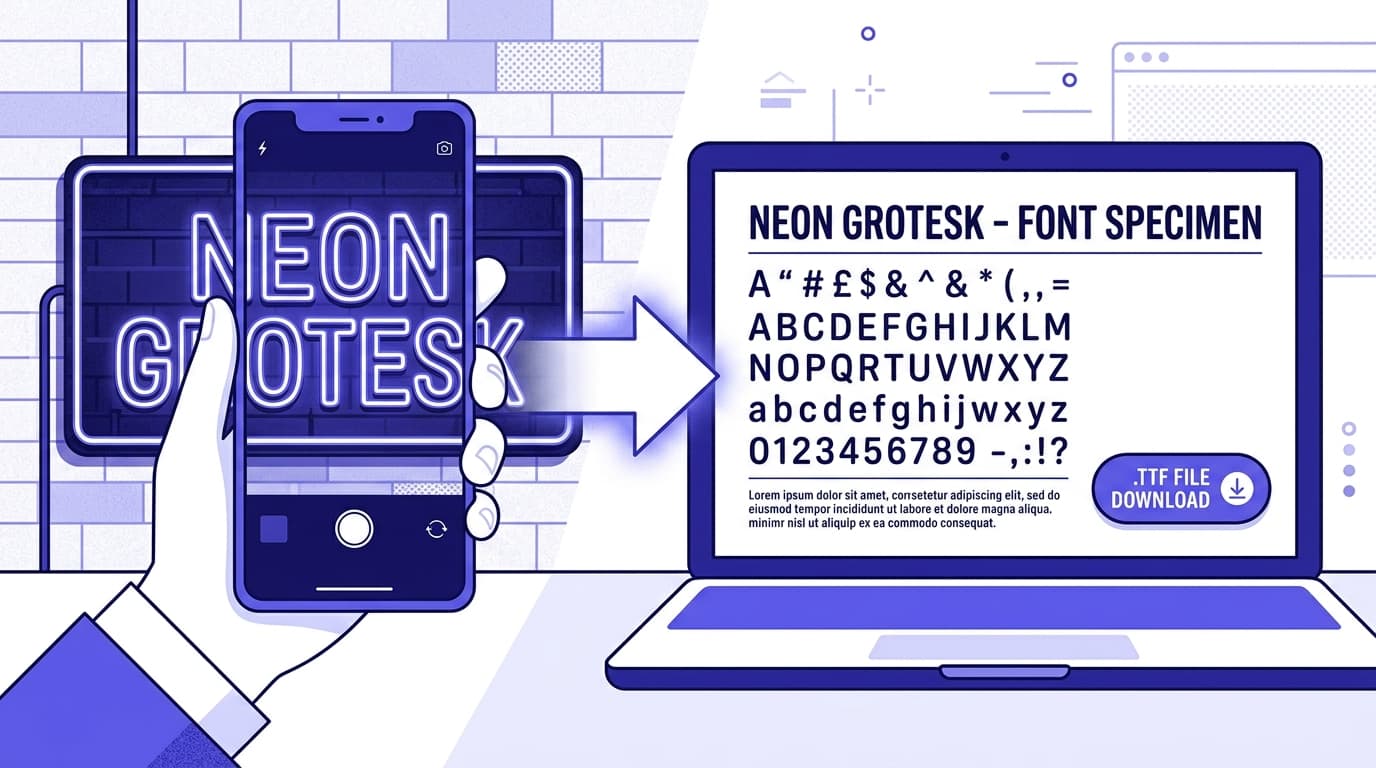
In practical terms, an AI font generator looks for visual rules in the letters it can see: stroke thickness, contrast, slant, baseline behavior, corner softness, serif shapes, spacing tendencies, texture, and the degree of regularity or imperfection. From those observations, it extrapolates across a broader character set. The output can be a downloadable font, such as a .TTF file, that works in common design and document applications.
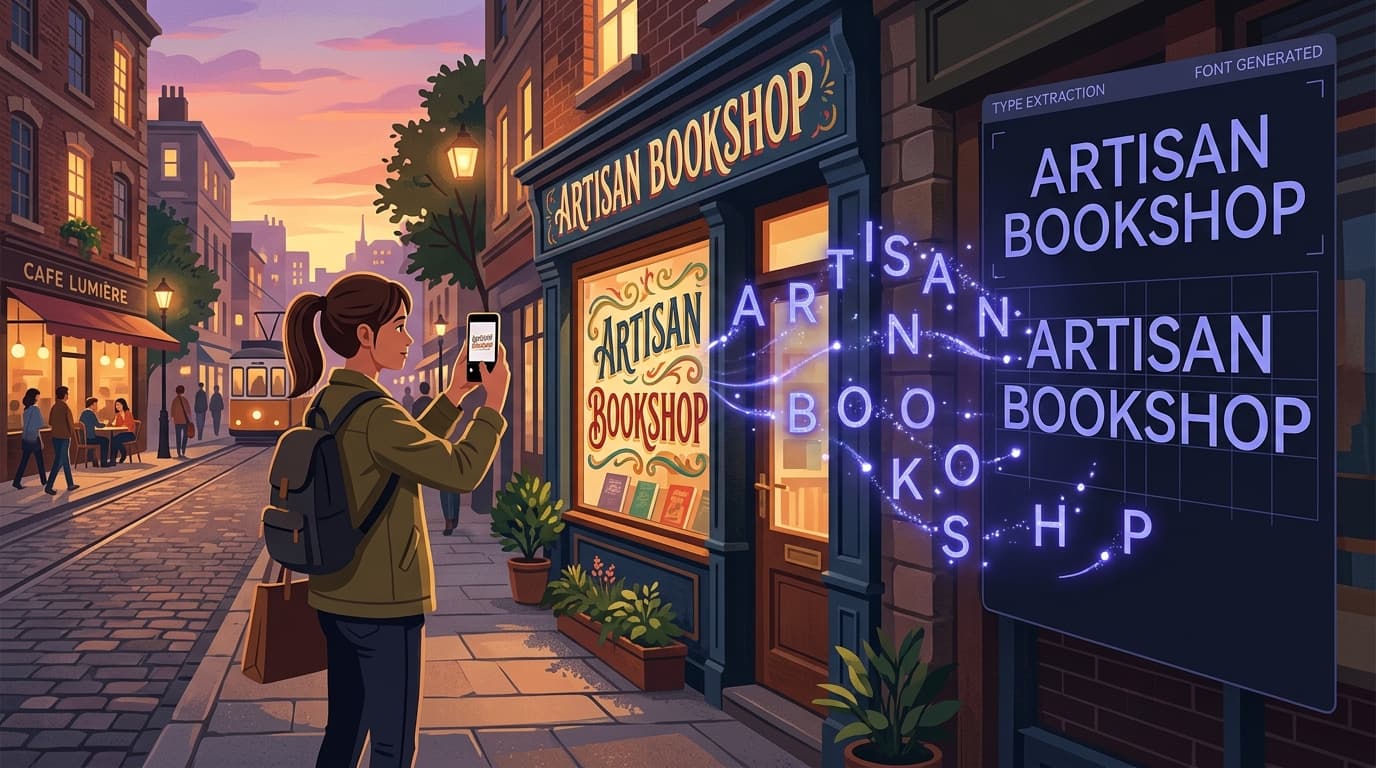
Imagine finding a photograph of a café menu with lively hand-painted capitals. A traditional font recognition tool may fail because the lettering was created by an illustrator, not selected from a retail font library. Generation gives you another path. Rather than settling for a generic brush-script substitute, you can transform that visual reference into a font inspired by the style, then use it for headings, invitations, social graphics, or a project that needs a coherent handmade feel.
This distinction matters because type is often discovered in messy real-world conditions. You may have only a faded sign, a scanned family recipe card, a vintage label, a handwritten note, or lettering embedded in a low-resolution screenshot. Those sources are not always clean enough for exact recognition, and they may never have corresponded to a formal font in the first place.
Snapafont is designed for this creative use case. It turns an image into a downloadable .TTF font file, helping users move from visual inspiration to an editable, typable asset. Rather than treating an image solely as evidence for a database search, it treats the image as a starting point for making a font.
Font Identification vs. Font Generation: The Key Differences
The clearest difference is the output. Font identification returns names, links, and possible matches. Font generation returns a new font file based on the look of the source material. One helps you locate a known asset; the other helps you create a usable asset when no known match exists.
The source of truth is different too. A font finder depends on the size and quality of its database. Even an excellent service cannot identify a font it does not contain, a custom typeface with no public record, or letters drawn individually for one logo. An AI font generator depends less on database coverage and more on its ability to understand visual style from the image provided.
Accuracy also means different things in each workflow. With font identification, success means finding the exact typeface—or a verifiably close match. With generation, success means producing letters that consistently reflect the source style and work well enough for real use. A generated font may not be a historical reconstruction of every unseen character, but it can be a practical extension of the visible design language.
The workflows are complementary, not mutually exclusive. If you need to use an established font for brand compliance, accessibility testing, licensing, or a client’s existing design system, identification should come first. If a result is clearly available, licensing the original is usually the most appropriate option. But if the lettering is one-of-one, unavailable, or simply impossible to trace, generation opens a route that identification cannot provide.
A useful rule is this: search when you need provenance; generate when you need possibility. Provenance matters when you must know exactly what was used. Possibility matters when you need to convert visual inspiration into something you can type, edit, and build with.
When Font Identification Fails—and What to Do Instead
A failed match does not always mean the font recognition tool is poor. Often, the input simply falls outside the task identification tools are built to handle. Understanding the most common failure cases can save time and help you choose the right next step.
### The lettering was never a font
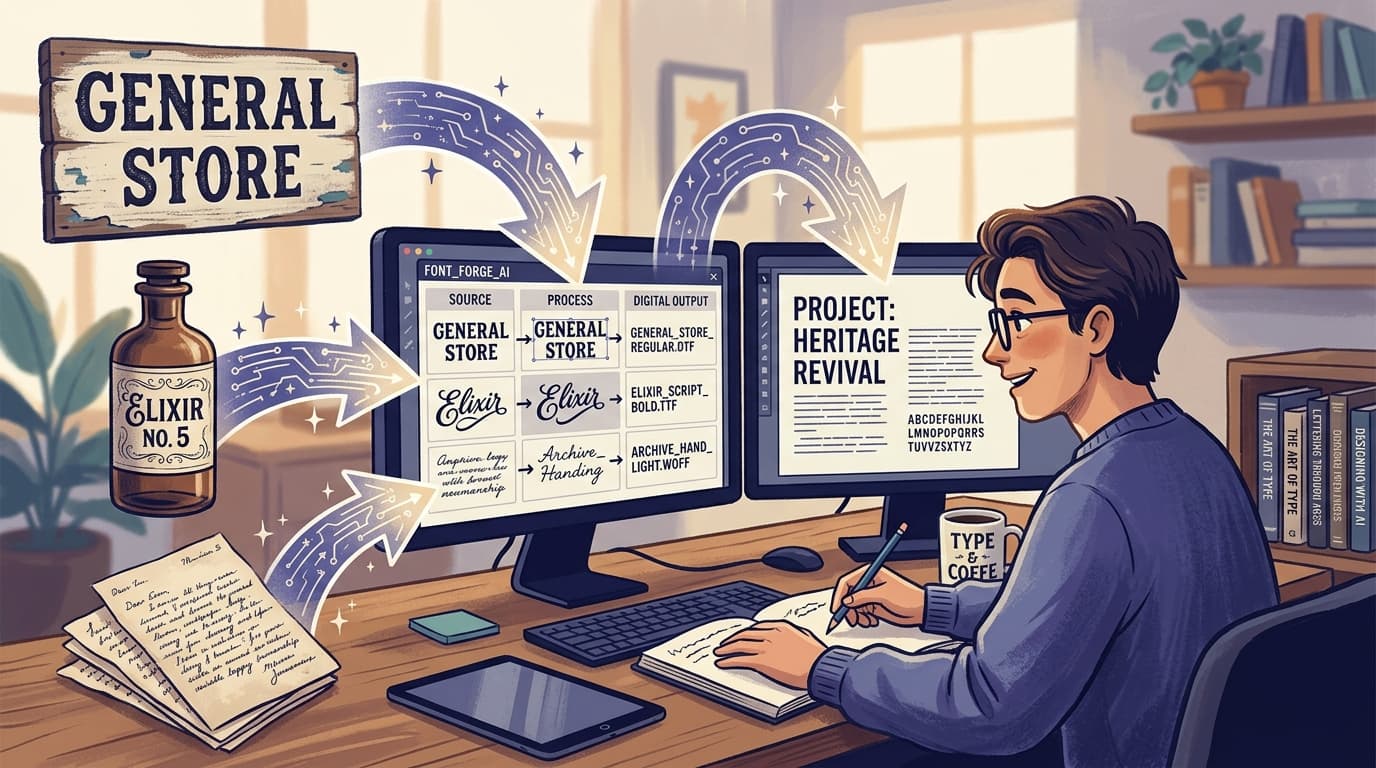
Many logos, storefront signs, book covers, and packaging labels use custom lettering. An artist may have drawn each letter specifically for that composition, adjusting widths, connections, and details by eye. There is no font name because there is no font file to find. In this case, repeated searches through a WhatTheFont alternative will not create a correct answer. Generating a font from the image is often the more productive direction.
### The sample is too small, distorted, or incomplete
A font from screenshot may be affected by compression, perspective, glow effects, outlines, shadows, image sharpening, or motion blur. If only three letters are visible, a tool has little reliable information to compare. Try improving the source first: crop tightly, increase contrast carefully, straighten the text, and remove distracting backgrounds when possible. If recognition still produces vague suggestions, use those results as style references rather than definitive answers, then explore generation.
### The font is modified beyond recognition
Designers frequently alter existing fonts by stretching them, adding rough texture, changing terminals, manually adjusting outlines, or combining multiple letter styles. A database match may identify the underlying starting point, but it will not reproduce the finished appearance. This is common in editorial display type and vintage-inspired branding. An AI font generator can be useful when the modified look—not the original base font—is what you need to carry forward.
### The typeface is obscure, private, or unavailable
Some fonts belong to small foundries, closed projects, internal brands, or old physical systems that were never distributed digitally. Others may have been discontinued. Identification can sometimes name these typefaces, but a name alone does not guarantee that a licensable file exists. If your goal is a compatible visual direction rather than an exact licensed original, a generated font can offer a practical alternative.
### You need more than one word
A common trap is rebuilding a title or logo by tracing only the letters that appear. That works until you need a new phrase, a different date, punctuation, or lowercase text. A font turns a one-off visual sample into a reusable system. Before generating, choose a source image with clear, representative letters whenever possible. Samples containing varied shapes—straight strokes, curves, diagonals, ascenders, and descenders—give AI more clues about the style.
Even with AI, review the result before using it in a major project. Test uppercase and lowercase words, numbers, punctuation, tight and loose spacing, and the character combinations that matter to you. For a wedding suite, test names and dates. For a product label, test product names, weights, and measurements. For social templates, test short headlines at the actual size viewers will see. This quality check makes the final font much more reliable.
How AI Is Changing the Future of Typography
AI is not replacing type designers or making font licensing irrelevant. Instead, it is changing who can participate in the early stages of typographic creation and what can be done with visual references. The most important shift is accessibility: a person no longer needs to draw every glyph manually or master specialized font-editing software before experimenting with a typographic idea.
That has meaningful implications for preservation. A family may have handwritten letters in an old album. A local business may want to retain the personality of a painted sign before a renovation. An archive may contain vernacular lettering that deserves to be explored in modern formats. AI-assisted generation can help convert these visual artifacts into typeable tools, while still encouraging users to document the original context and respect its cultural significance.
It also supports faster creative iteration. A designer can begin with a mood-board image, generate a font direction, test it in a layout, and decide whether it deserves further refinement. This does not eliminate craft; it moves effort toward art direction, selection, editing, spacing, hierarchy, and use. Those decisions still determine whether typography feels intentional.
Responsible use remains essential. Do not use AI generation to copy a living designer’s distinctive work, evade a font license, or imply ownership of someone else’s brand lettering. When a known font is available and you need that exact font, identify and license it. When you are working from original material, public-domain sources, or references you have permission to use, generation can help you create a new, functional asset.
The future is likely to be hybrid. Font identification will remain important for research, brand consistency, historical study, and licensing. Meanwhile, AI generation will make it easier to turn otherwise unusable image references into expressive fonts. Together, these approaches give creators both answers and options: the ability to recognize typography when it exists, and the ability to build upon it when it does not.
Turn a Visual Reference Into a Font You Can Use
If you have spent time trying to identify font from image with no exact result, the missing piece may not be a better search query. It may be a different workflow. When the lettering is custom, handwritten, vintage, obscure, or simply unavailable, creating a font from the reference can be more useful than hunting through endless near-matches.
Snapafont helps you turn an image into a downloadable .TTF font file, so the style that caught your eye can become something you can type with in your own projects. Start with a clear image, choose a reference you have the right to use, and test the finished font in the words and layouts that matter most. Visit snapafont.com to explore how AI-assisted font generation can take you beyond identification and into creation.
Ready to turn your image into a font?
Upload any image and get a real, downloadable .TTF font file in seconds.
Try Snapafont Free →